How the Nano Banana AI Image Generator Fits Into Modern Visual Content Creation
Finding the Right Tool for Visual Ideas
Every creative project starts with a spark. Maybe you have a clear picture in your head, or maybe you just have a vague sense of the mood you want. In the past, getting from that spark to a finished visual meant hours of sketching, searching for stock photos, or hiring a designer. Now, generative AI has opened up a faster path. The challenge is picking the right tool among many options. The Nano Banana AI image generator is one of the newer entries in this space, and it approaches the task with a focus on guided prompts and model selection. That focus makes a real difference when you are trying to stay inside a creative workflow without getting bogged down in technical details.
I have spent a fair amount of time testing different text-to-image generation platforms. Some of them feel like they expect you to already know exactly what you want and how to say it. Others give you so many sliders and parameters that you forget what you were making in the first place. Nano Banana tries to sit in a middle ground. It does not assume you are a prompt engineering expert, but it also does not hold your hand to the point of limiting what you can produce. That balance is useful for people who need consistent results across a series of images, whether for branding, content marketing, or just personal projects.
How Guided Prompts Change the Game
One of the biggest hurdles in AI art is prompt engineering. You type a sentence, and the model returns something that is either brilliant or baffling. With platforms like Midjourney or DALL-E 3, you often have to learn a vocabulary of style modifiers, aspect ratios, and weighting syntax to get consistent outputs. That knowledge comes with time and practice, but not everyone has the patience for it. The Nano Banana AI image generator tries to simplify this by offering structured prompts. Instead of guessing whether to add "photorealistic" or "cinematic lighting" to your text, you work through a guided interface that suggests relevant options. This does not remove the need for good judgment, but it reduces the trial and error.
For example, if you want an image of a mountain lake at sunrise for a travel blog, you might start with a basic description. The system then prompts you to choose a style, like "watercolor" or "digital painting," and a mood, like "serene" or "dramatic." Those choices feed into the underlying diffusion models, which have been trained to interpret combinations of visual attributes. The result is an image that matches your intent more closely than a random generation. You still make the creative decisions, but you do not have to become a specialist in neural network behavior to get there.
Model Selection and Why It Matters
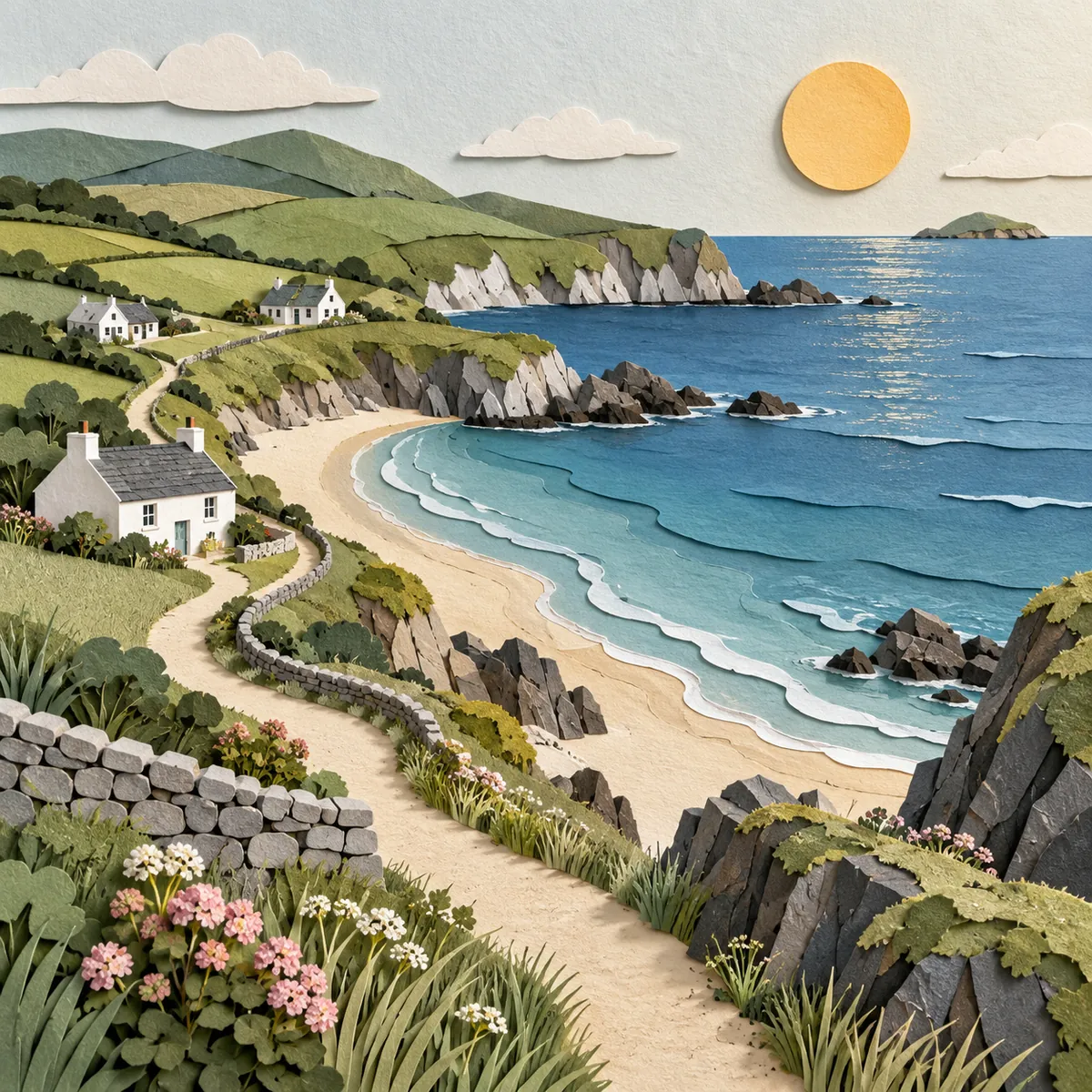
Another feature that sets Nano Banana apart is model selection. Not every AI image generator lets you pick which model handles your request. With Stable Diffusion, you often download different checkpoints and manage them yourself. With Canva or Clipdrop, you get whatever model the platform has integrated, and you have little say in the underlying architecture. Nano Banana gives you a choice between several pre-configured models, each tuned for different kinds of output. One model might excel at realistic portraits, while another handles abstract patterns better. This is similar to how you might choose between Leonardo AI and Adobe Firefly depending on whether you need commercial-safe images or artistic experimentation.
In practice, model selection means you can adapt the tool to your project rather than the other way around. If you are working on digital design for a client's brand guidelines, you might pick a model that produces clean, vector-friendly graphics. If you are exploring concepts for a fantasy novel cover, a model trained on illustrative styles would be a better fit. The Nano Banana AI image generator makes this switch easy, so you are not stuck with a one-size-fits-all engine. I have found that having this flexibility reduces the number of iterations I need to run. Instead of generating twenty versions and picking one, I can narrow the field by choosing the right model first.
Integrating Into a Creative Workflow
Any new tool has to fit into how you already work. If it requires too many extra steps, you will likely abandon it. Nano Banana is designed to be a standalone web app, which means you do not need to install anything or manage GPU drivers. You open it in a browser, start a session, and generate images. That simplicity makes it easy to slot into a broader creative workflow alongside other tools. You might use it to brainstorm visual directions, then export the best results into an image editing suite like Photoshop or GIMP for refinement. Or you might use it directly to produce social media graphics for a content marketing campaign.
Because the outputs are generated locally or through a cloud service depending on your setup, you keep control over your data. For commercial projects that involve branding materials, this matters. You do not want your client's logo or product concept floating around on a public server. Nano Banana's architecture gives you the option to run it with local inference, which is a thoughtful touch for privacy-conscious users.
Comparing With Other Generators
It helps to put Nano Banana in context with the broader landscape. Midjourney remains a favorite for artistic and surreal images, but it operates through Discord and has a learning curve around its versioning and style parameters. DALL-E 3, available through ChatGPT Plus, is excellent at following complex natural language prompts but offers less control over the model itself. Stable Diffusion is open source and highly customizable, but it demands technical know-how to install and tune. Leonardo AI provides a polished web interface with many features, though the free tier is limited. Adobe Firefly is tightly integrated with Creative Cloud, which is great if you already live in that ecosystem but less useful if you do not.
The Nano Banana AI image generator carves out a space that is neither as technical as Stable Diffusion nor as locked-in as Firefly. It gives you guided prompts and model selection without requiring you to manage checkpoints or learn a new syntax. For someone who needs to produce visual content regularly, that middle ground can be exactly right.
Practical Tips for Getting Good Results
Based on my experience, here are a few things that help when using any guided AI image generator, including Nano Banana:
- Start with a clear subject and a simple sentence. Add style and mood through the guided options rather than cramming everything into one prompt.
- Experiment with different model selections for the same prompt. You might be surprised how much the output changes with a different underlying model.
- Use the generated images as a starting point. Treat them as sketches or references, then refine them in an image editing tool if needed.
- Keep a log of prompts and model choices that worked well. Over time, you will build a personal library of effective combinations for your projects.
- Do not expect perfection on the first try. Even with guided prompts, generative AI requires some iteration to get the exact look you want.
Where Generative AI Is Heading
The field of text-to-image generation moves fast. Diffusion models improve every few months, and competition among platforms keeps pushing features forward. What feels novel today will be standard tomorrow. But the core need stays the same: turning ideas into visual content quickly and reliably. Tools like the Nano Banana AI image generator that focus on usability and flexibility are well positioned to help people who are not AI researchers but still want to use AI art effectively.
For anyone involved in content marketing, digital design, or branding, having a reliable image generation tool in your kit is becoming as normal as having a photo editor or a vector program. The key is finding one that matches how you think about your work. Nano Banana's approach of combining guided prompts with model selection offers a practical path for those who want results without a steep learning curve. It is not trying to replace the creative process. It is trying to make the early stages of that process less frustrating and more productive. And in a world where visual content creation demands speed and consistency, that is a welcome shift.